Shapeworld

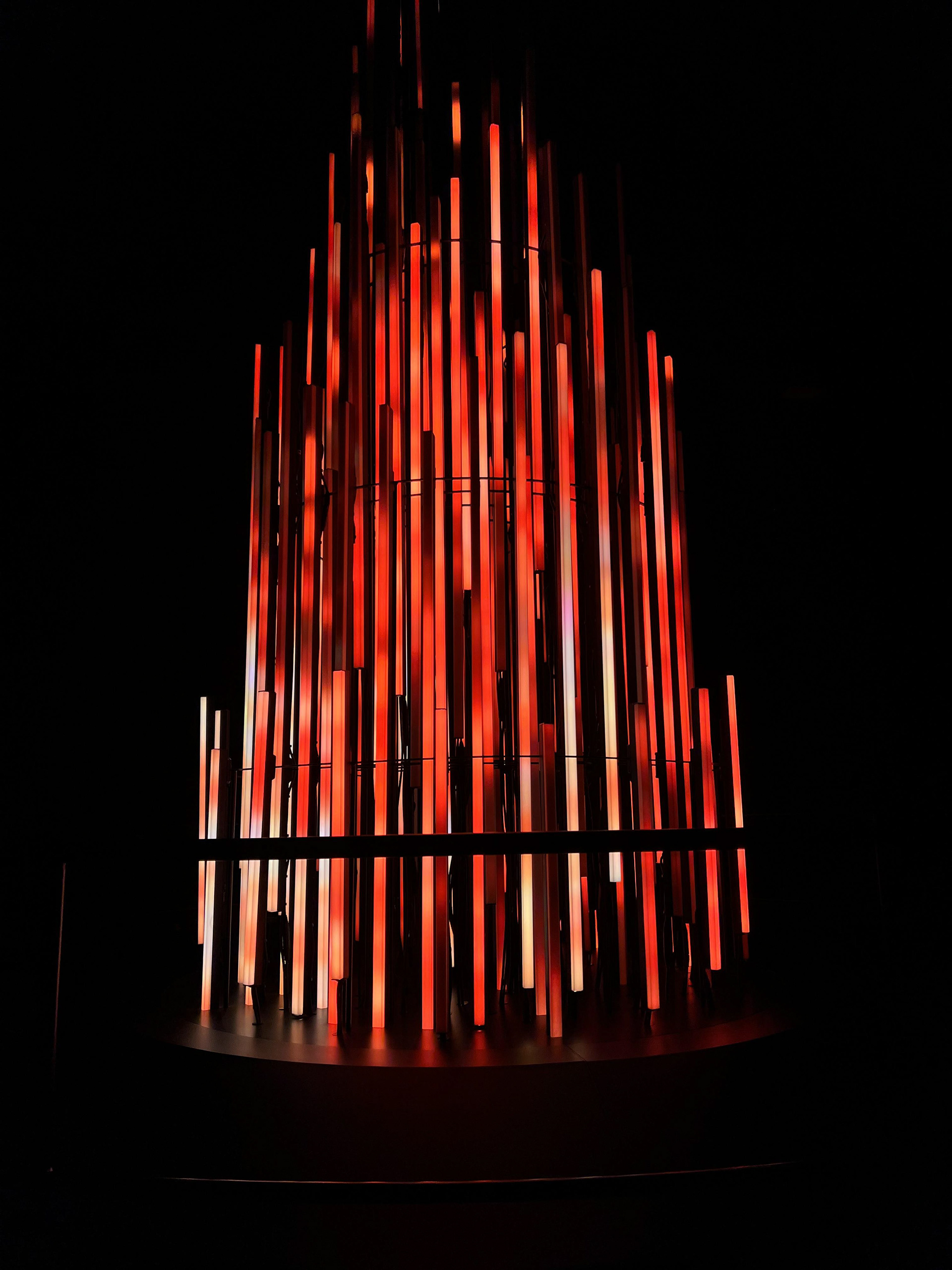
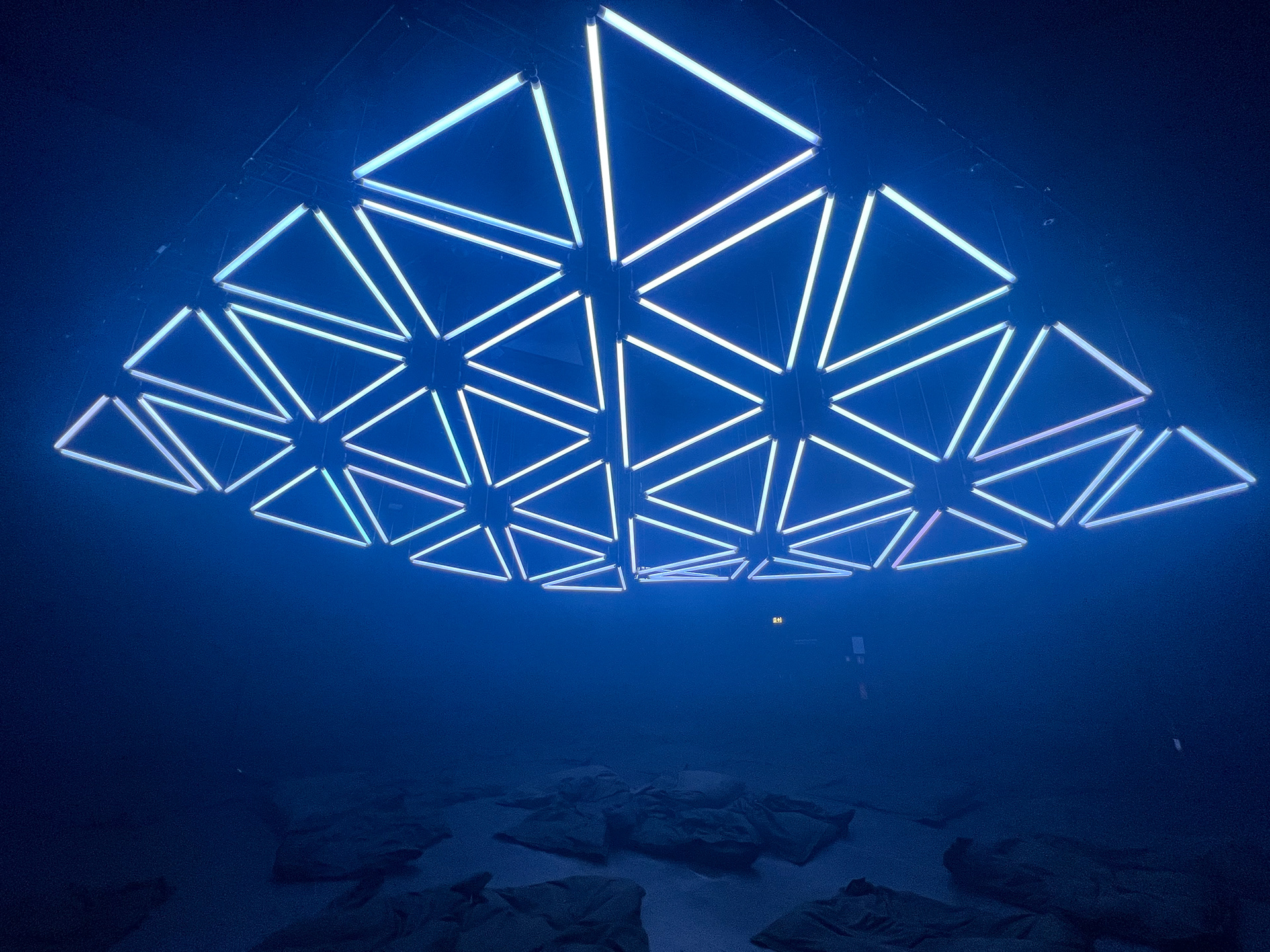
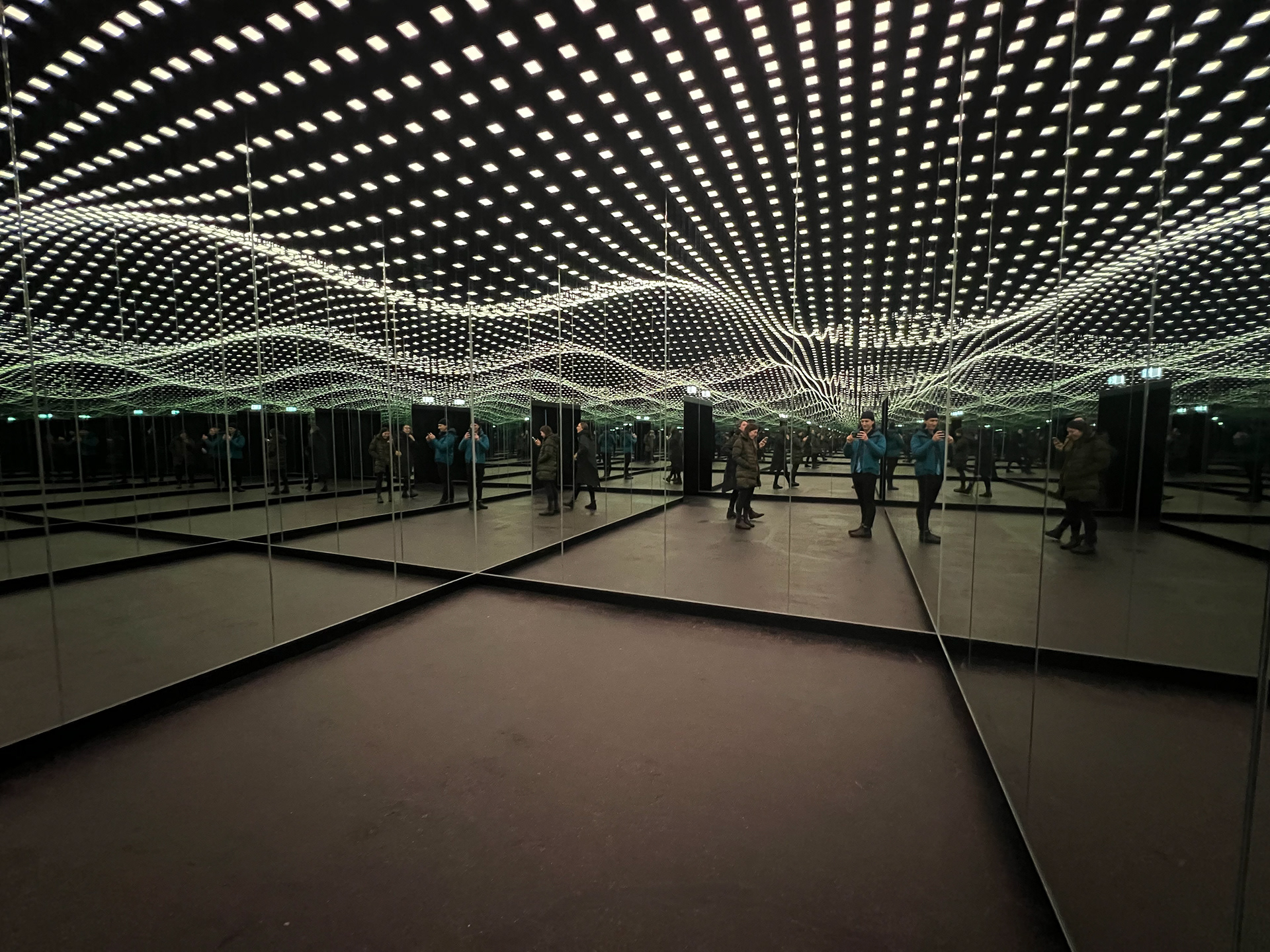
An infinity-mirror light show built over a few days, inspired by a visit to Dark Matter in Berlin.

After visiting Dark Matter in Berlin, I was inspired to create a little light show of my own. I completed this project over the course of a few days, just for fun.

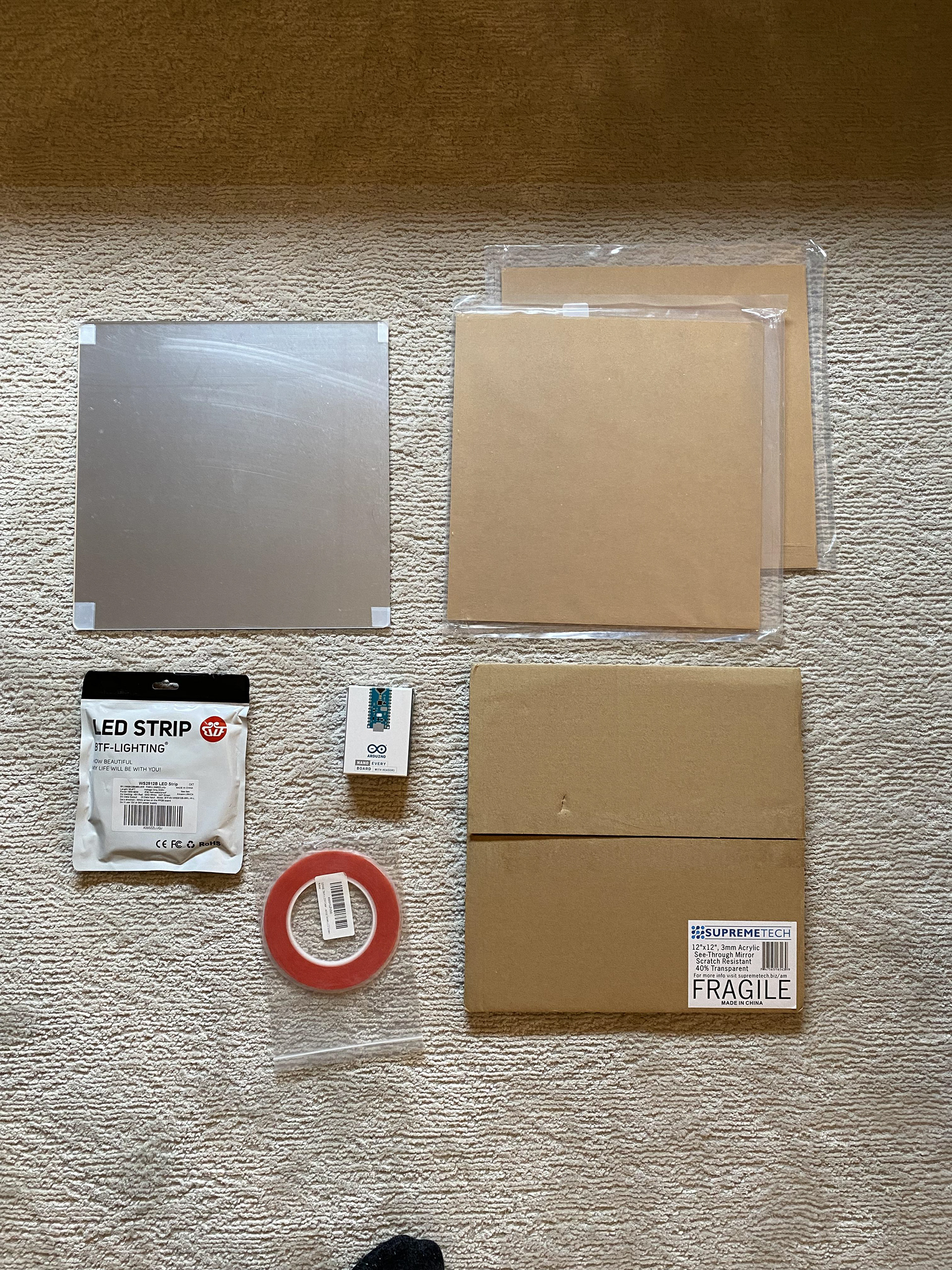
materials

  • One way acrylic mirror
  • Two way acrylic mirror
  • Clear acrylic sheet (for cutting out sides and inner shape)
  • 3mm tape
  • LED light strip (2812B, non-waterproof)
  • Circuit building materials (jumper wires, 100uF capacitor, 330 ohm resistor, breadboard, push button)
  • Arduino Nano
Materials laid out for building Shapeworld, including acrylic pieces, mirrors, and LED strip.
fig. 1materials
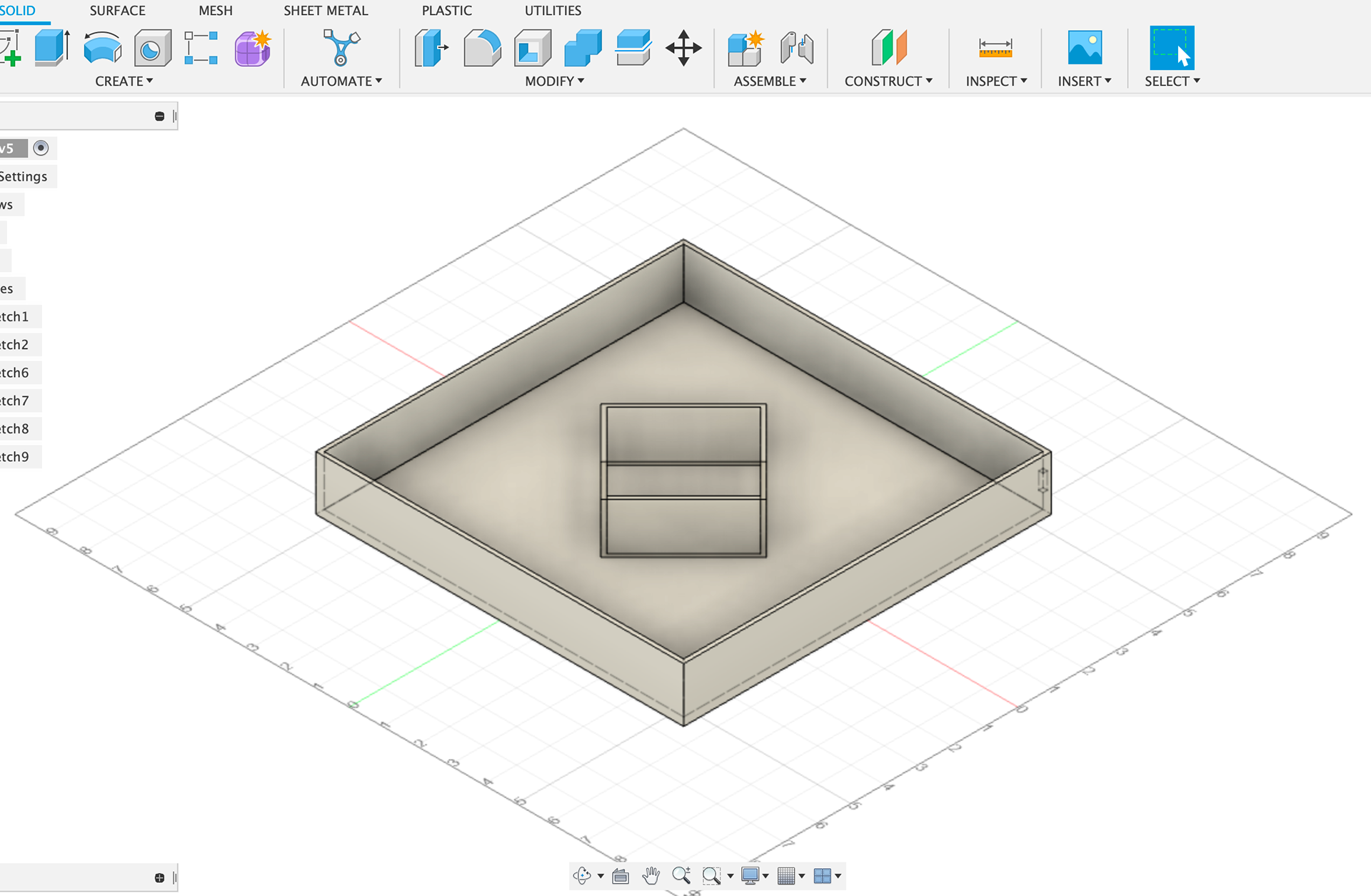
Fusion 360 mockup
fig. 2Fusion 360 mockup
  1. Create design: Fusion 360, schematic, Illustrator SVG file
  2. Build the frame: laser cut acrylic pieces, sand acrylic, adhere sidewalls
  3. Program the lights: create circuit, program Arduino
  4. Put it all together: adhere frame to both mirrors
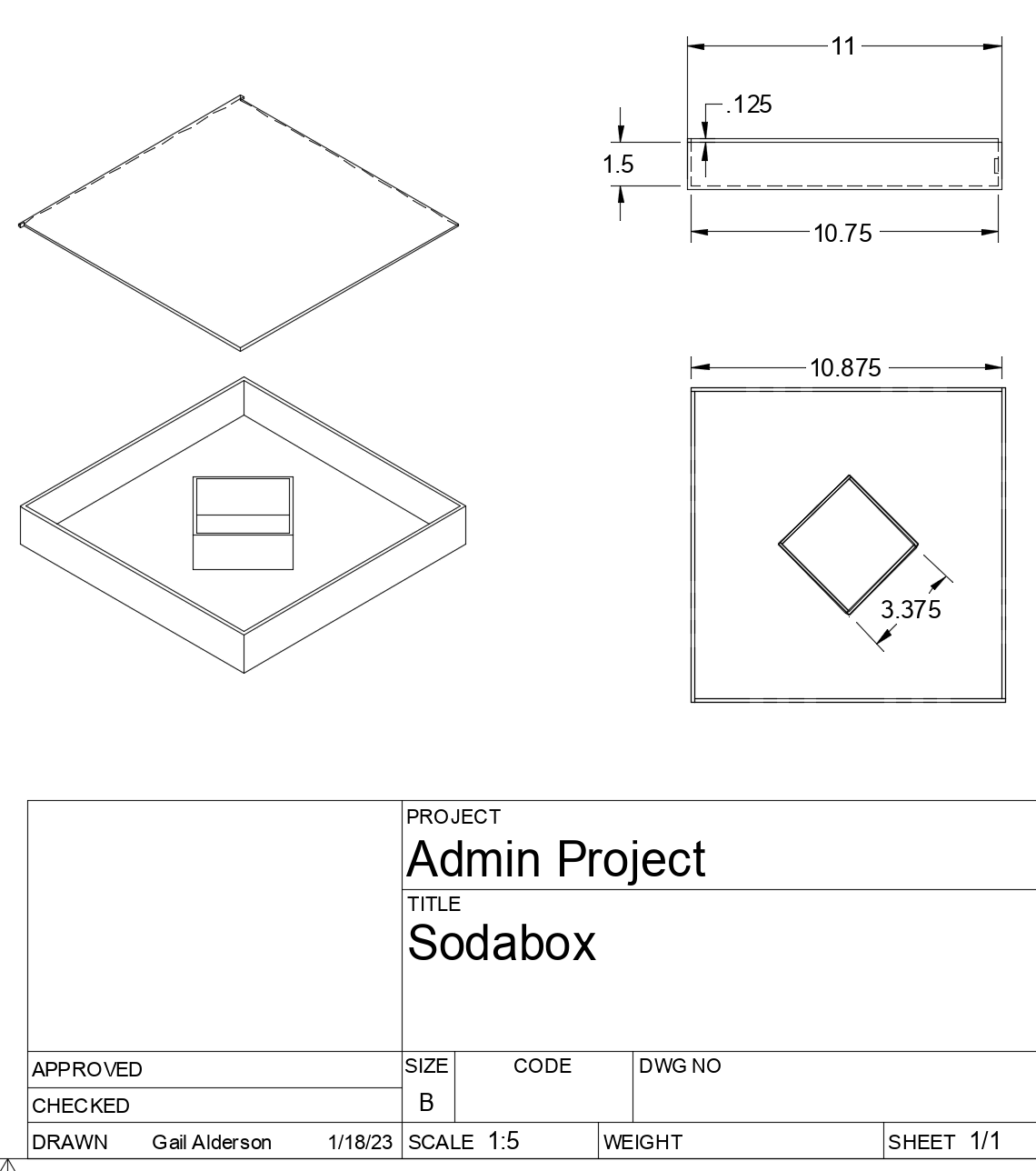
schematics, just for my own reference during assembly
fig. 3schematics, just for my own reference during assembly
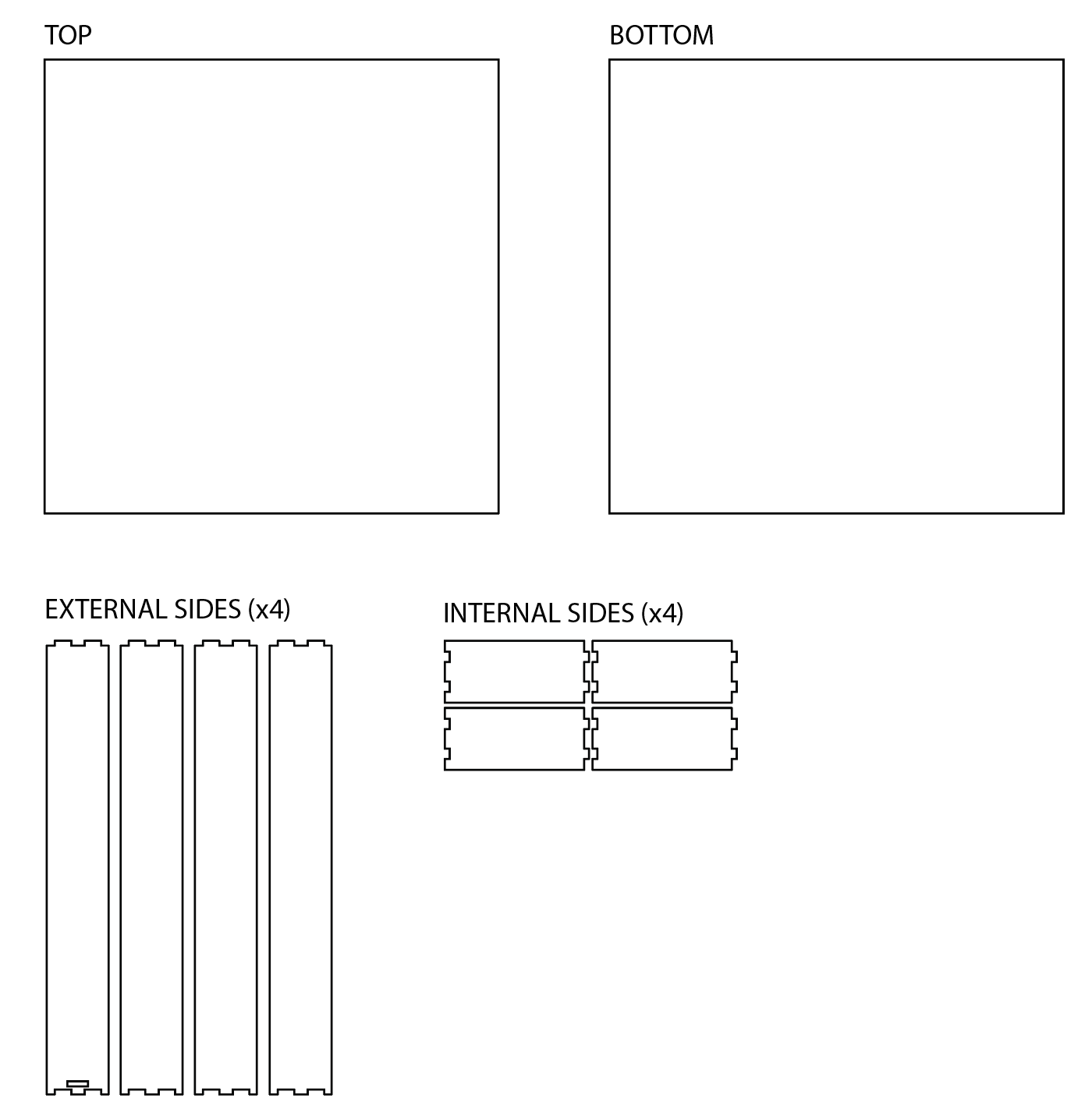
SVG file for laser cutting
fig. 4SVG file for laser cutting
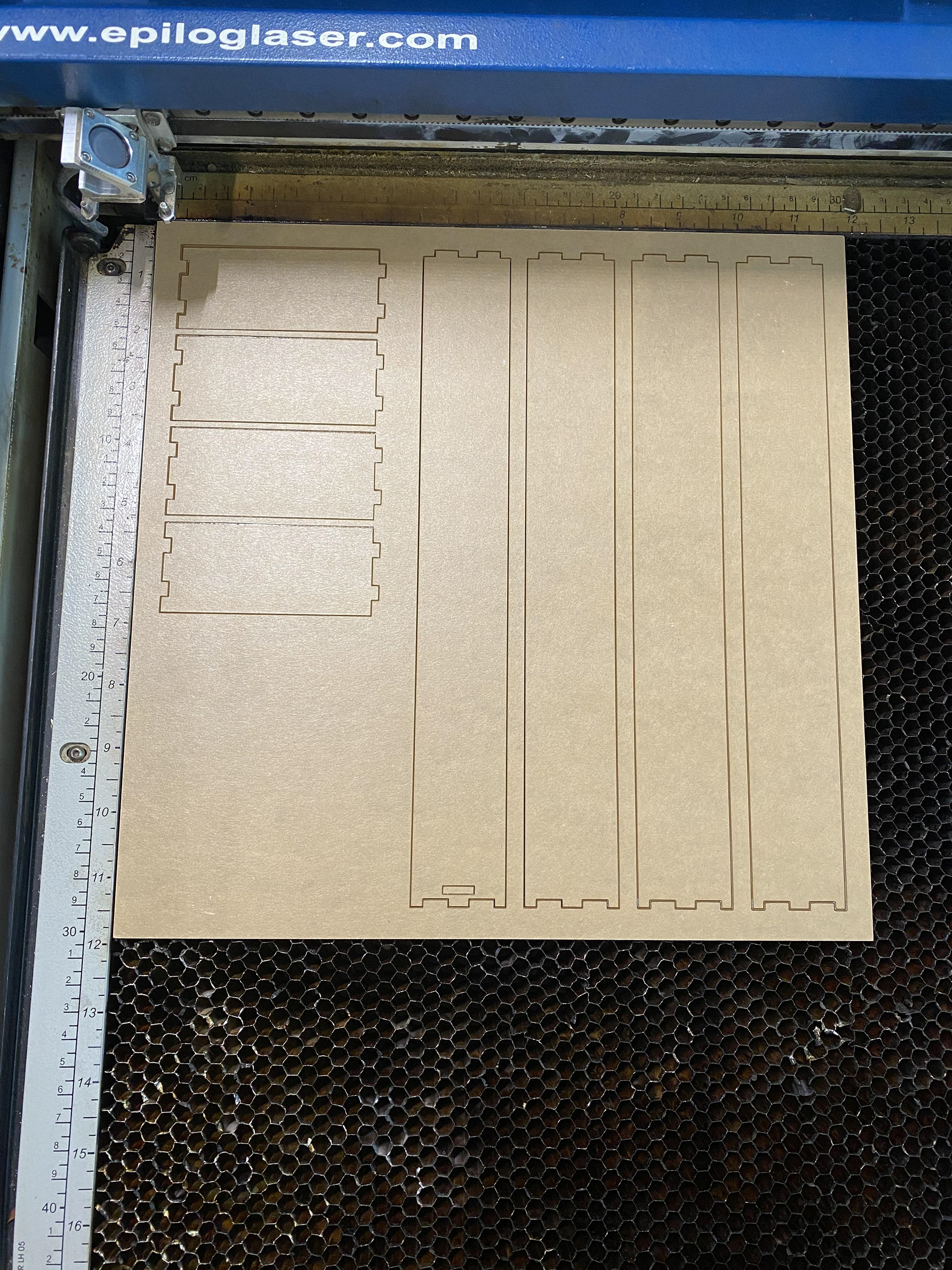
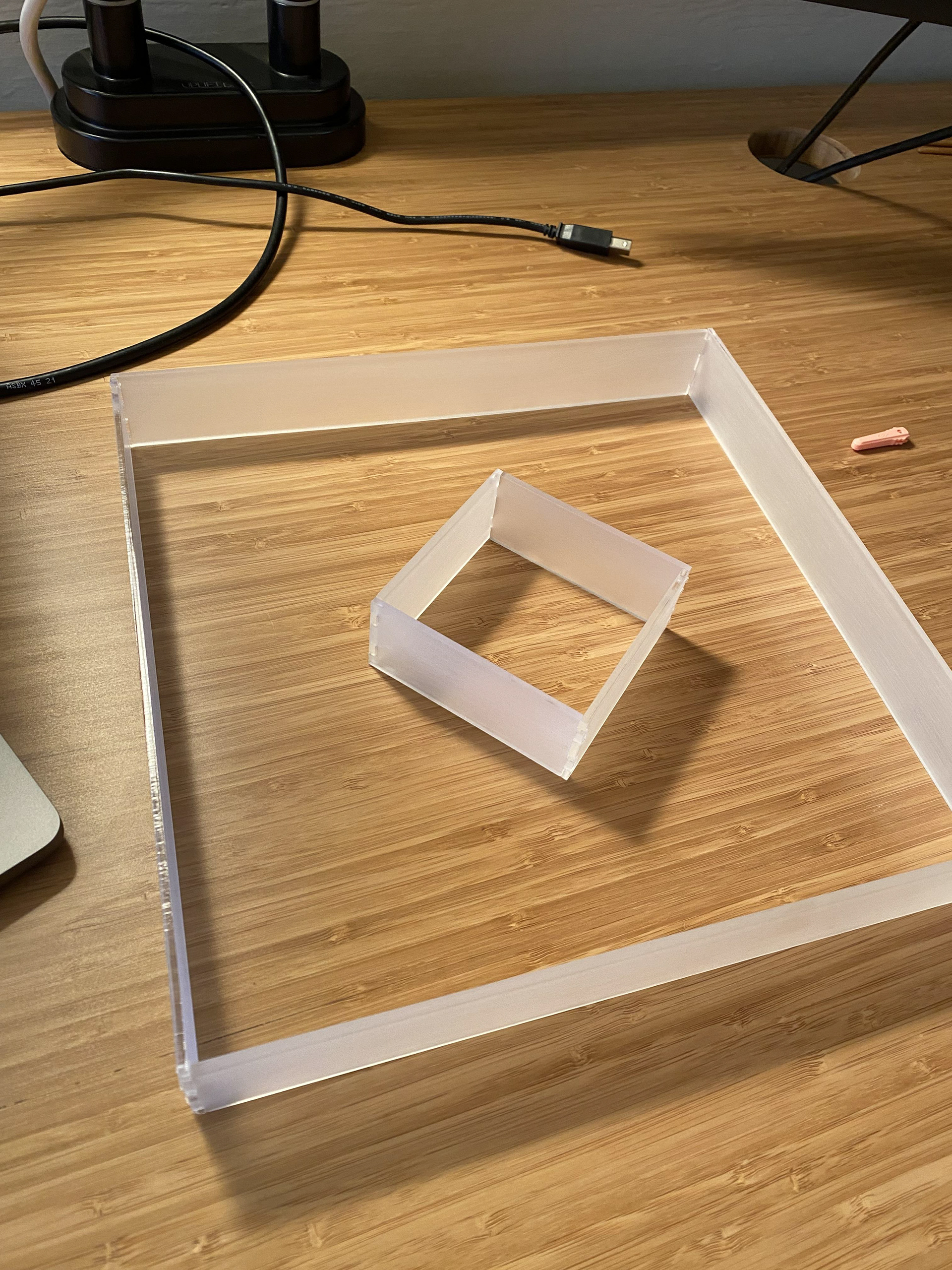
laser cut acrylic pieces (with protective layer still on)
fig. 5laser cut acrylic pieces (with protective layer still on)
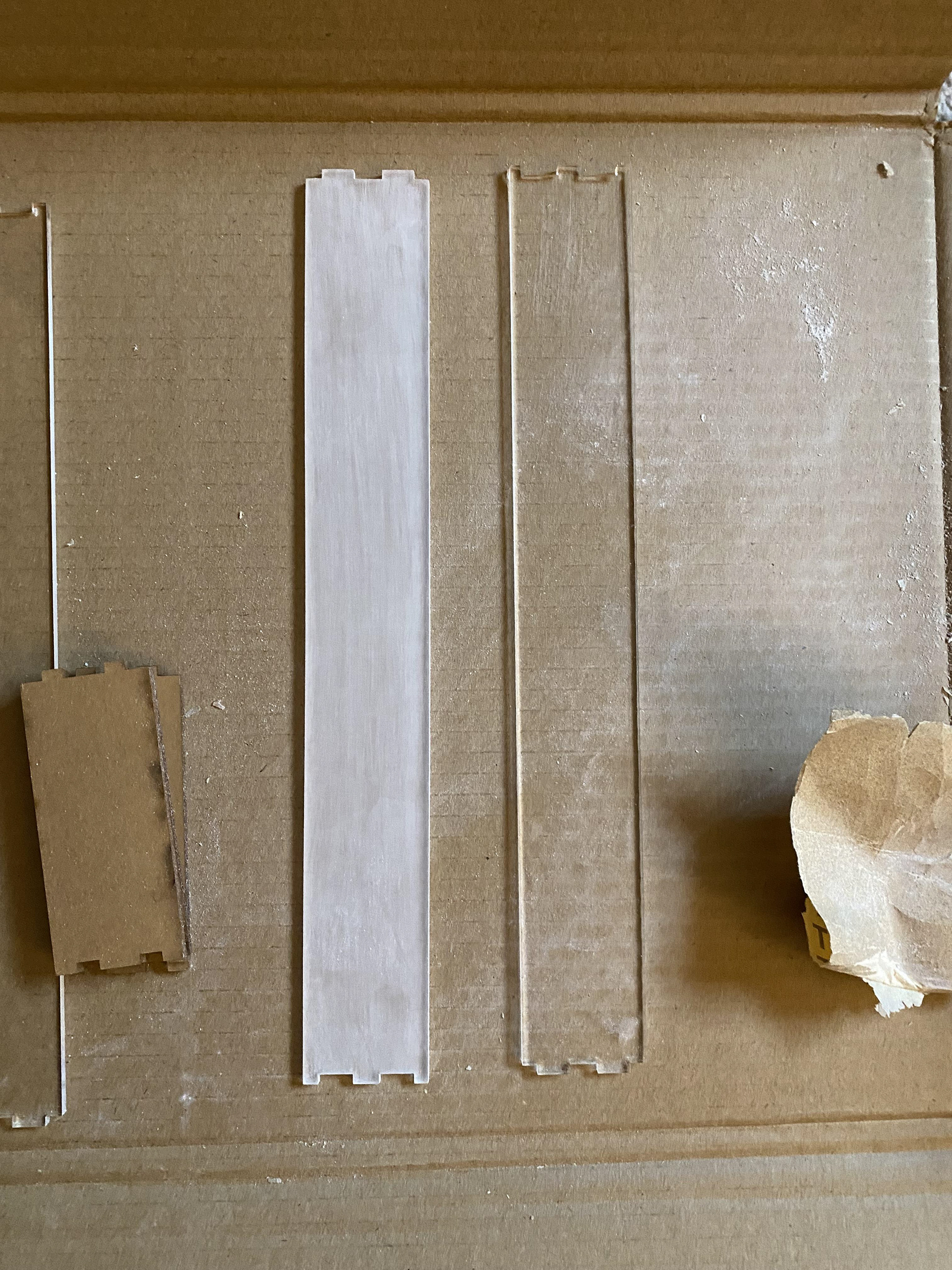
sand acrylic with 220 grit sandpaper to "frost"
fig. 6sand acrylic with 220 grit sandpaper to "frost"
assemble frames
fig. 7assemble frames
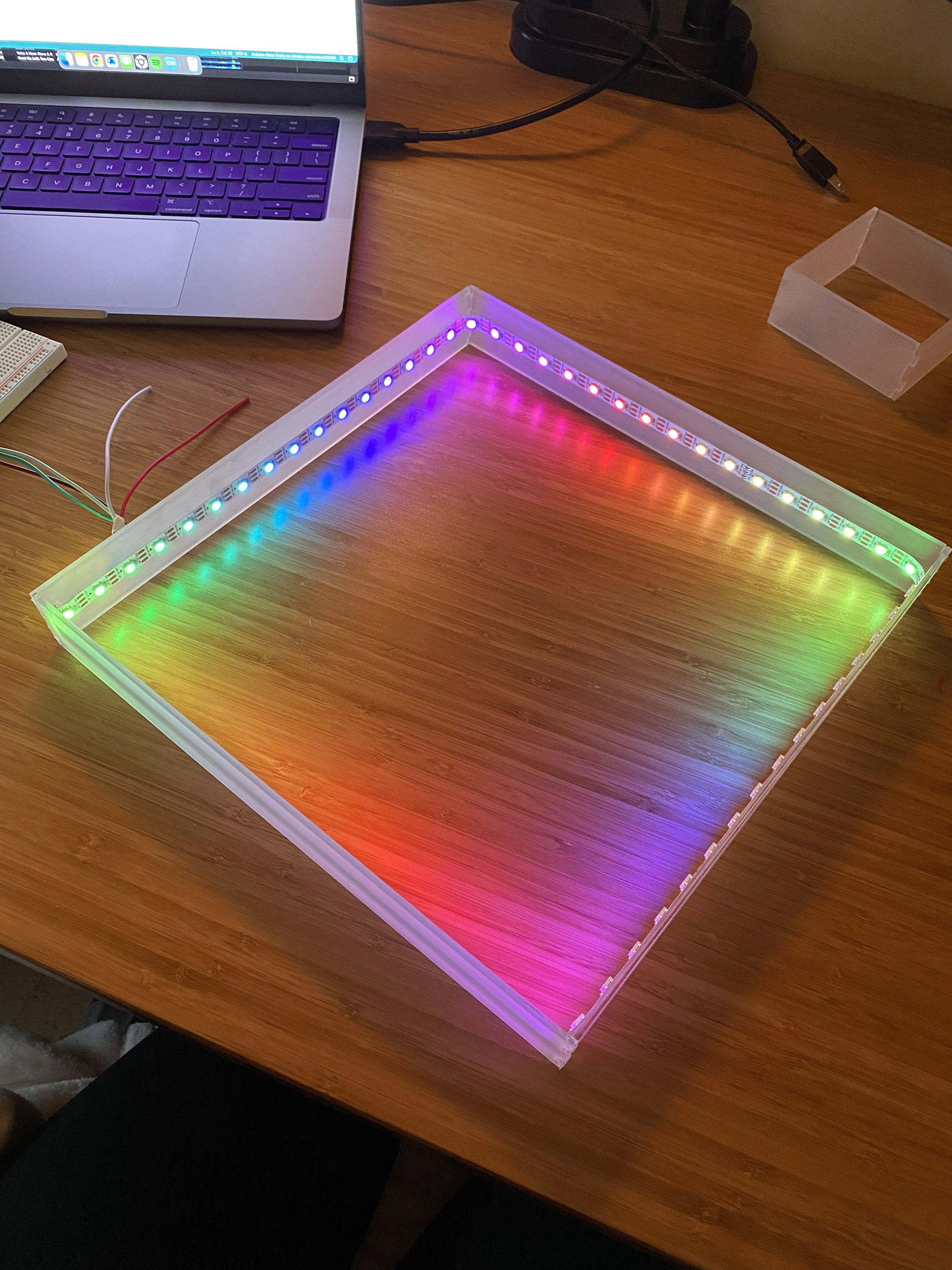
add lights
fig. 8add lights
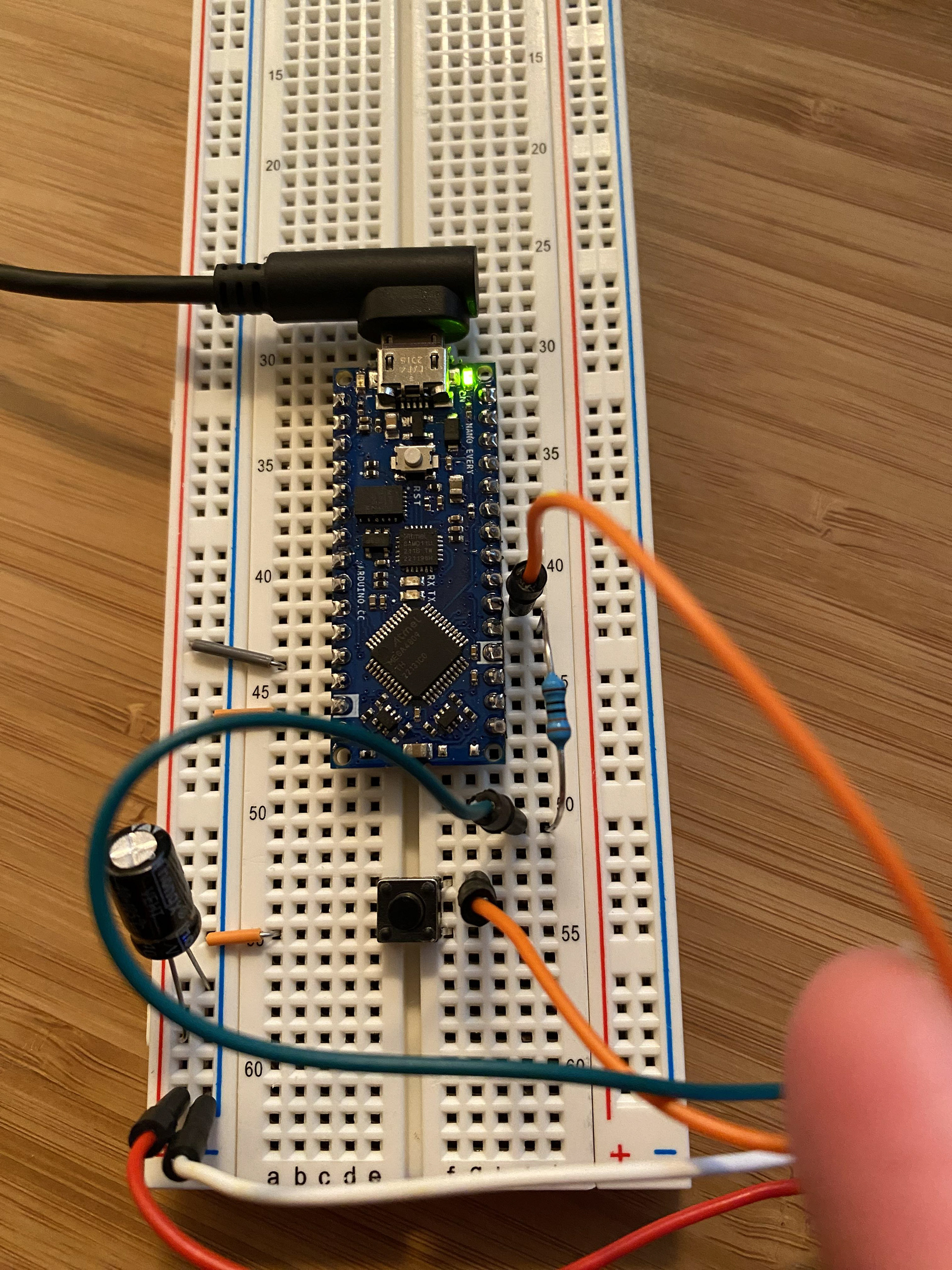
circuit design for programmed lights
fig. 9circuit design for programmed lights
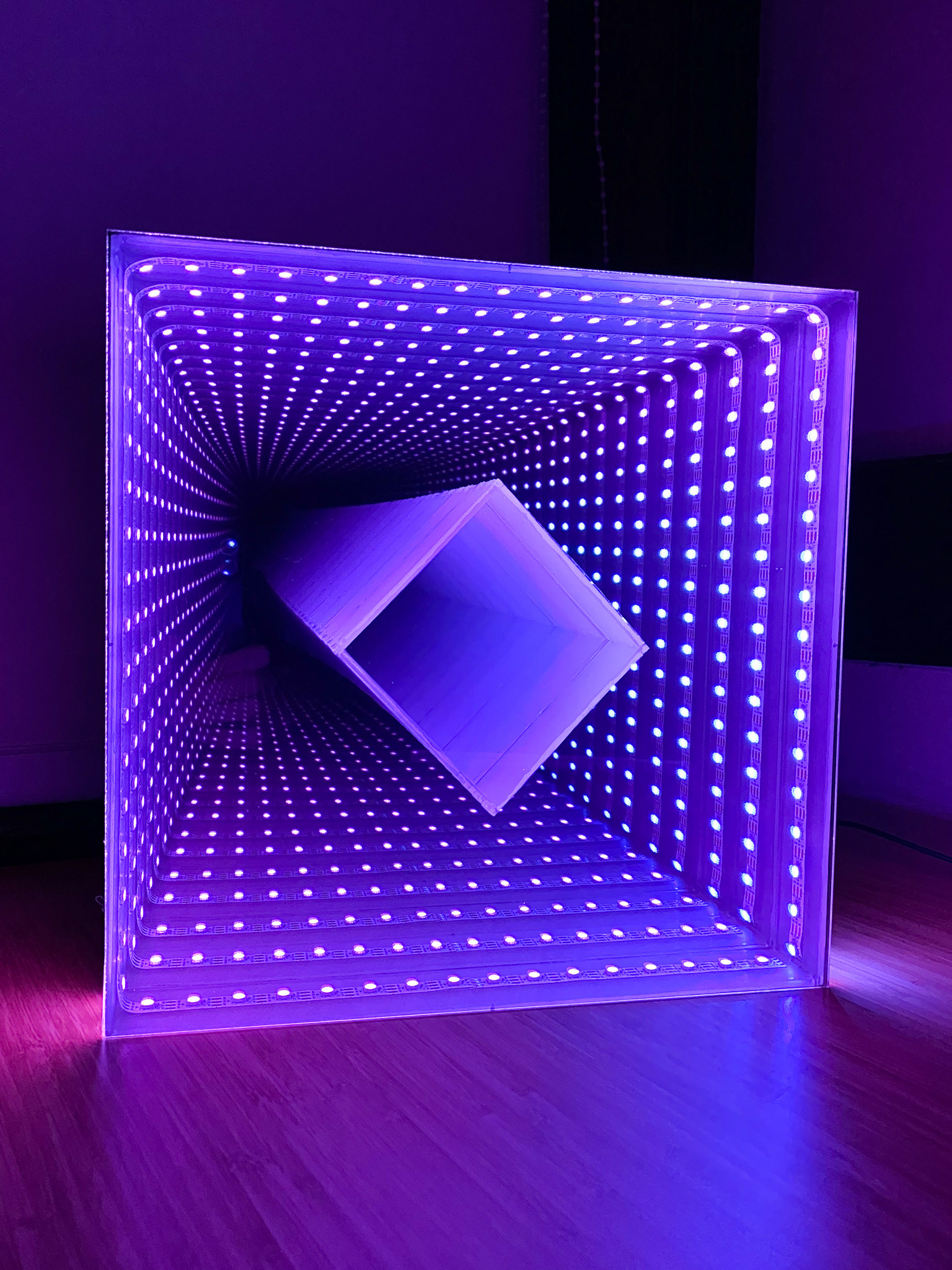
shapeworld, lights on
fig. 10shapeworld, lights on
Square acrylic frame with RGB LED strip lit in a rainbow gradient during assembly.
Arduino Nano prototype on a breadboard with wiring and a push button.
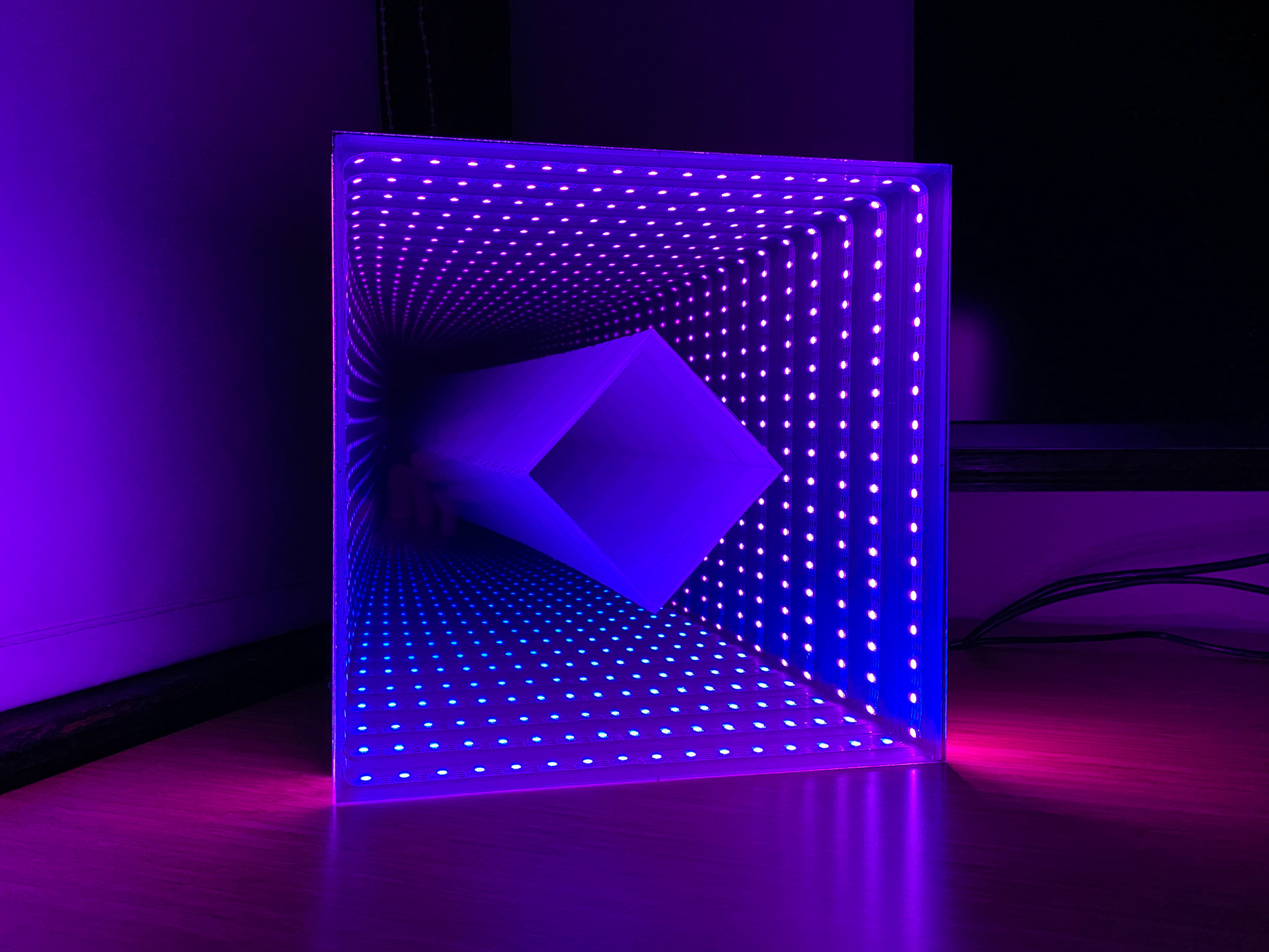
Finished Shapeworld piece glowing purple with an infinity-mirror depth effect.
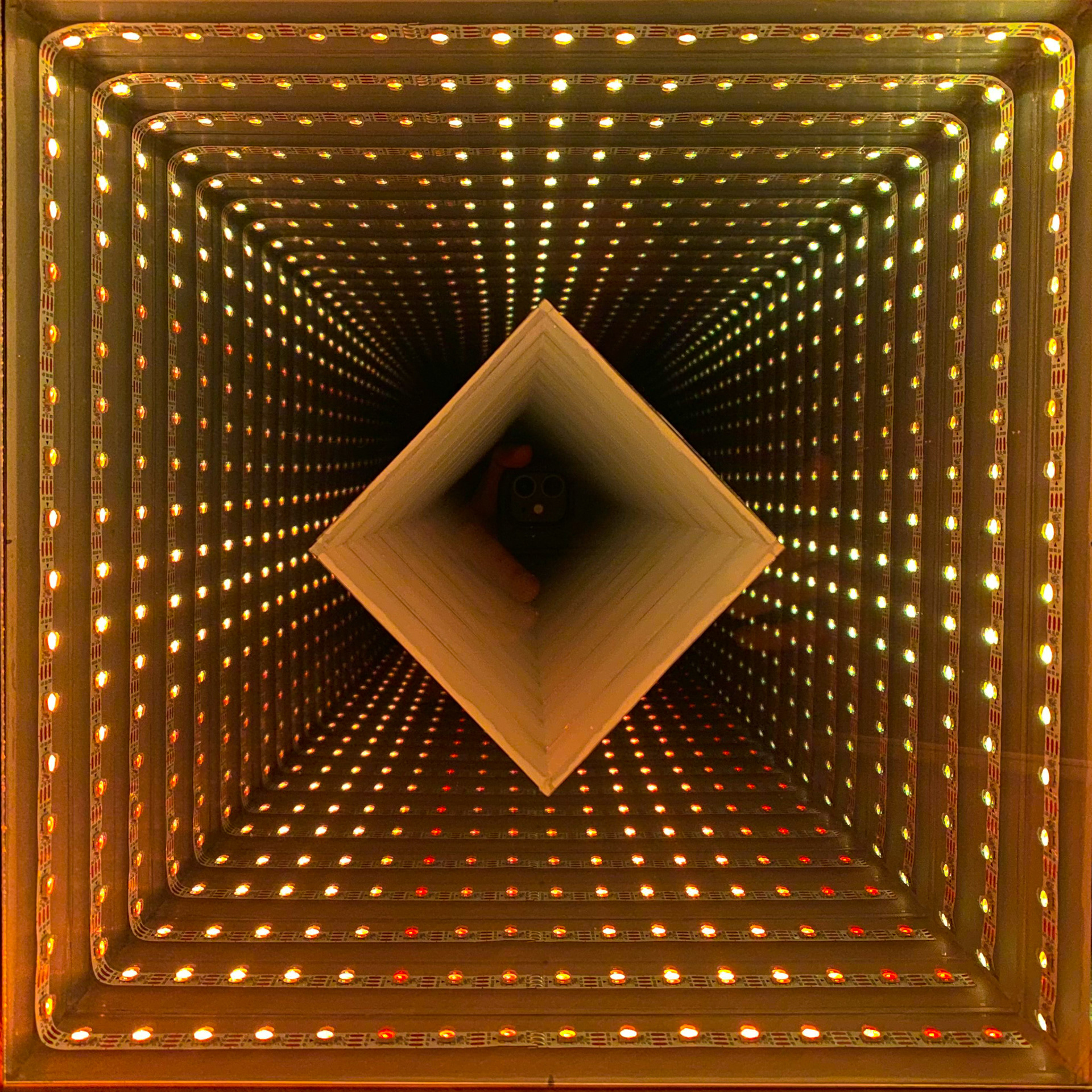
Top-down view of the Shapeworld infinity tunnel lit in warm yellow LEDs.
fig. 15shapeworld, in motion